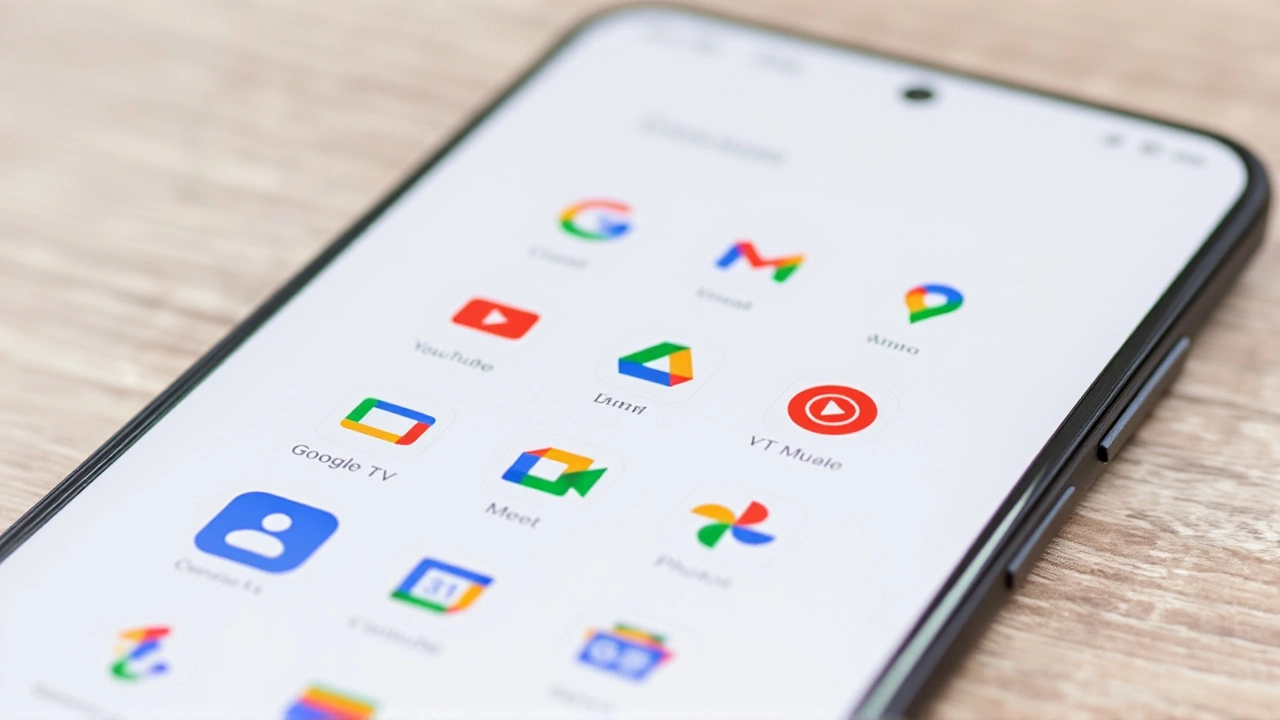
When Android Authority recently published a list of five indispensable apps that aren't on the Google Play Store, it struck a nerve with power users everywhere. The catch? You can't just tap "Install." These tools—Breezy Weather, Seal, Kvaesitso, Aurora Store, and HeliBoard—require you to sideload them manually. But here's the thing: they're arguably better than their mainstream counterparts.
For most folks, the Play Store is the only app shop in town. It's safe, easy, and automatic. But for those willing to dive into APK files, there's a whole other world of software that Google's strict policies or algorithmic biases have left behind. This isn't about piracy; it's about privacy, customization, and functionality that simply doesn't fit Google's mold.
Why Sideloading Is Worth the Hassle
Let's be real: enabling "Unknown Sources" sounds scary. It used to mean downloading sketchy games from random websites. Today, it means accessing open-source projects and niche utilities that developers choose to distribute directly. Why? Often because they don't want to pay Google's 30% cut, or their features violate some obscure policy guideline (looking at you, media downloaders).
The trade-off is manual updates and a bit more setup. But if an app saves you time or respects your data, it's a small price to pay. Think of it like buying furniture from a local craftsman instead of a big-box store. You might have to carry it home yourself, but you get quality that fits your space perfectly.
The Top 5 Non-Play Store Apps
Here’s the breakdown of the five apps making waves among Android enthusiasts.
1. Breezy Weather: Precision Over Fluff
If you're tired of weather apps that look pretty but lack depth, Breezy Weather is your new best friend. It pulls data from multiple sources, including NOAA and OpenWeatherMap, giving you hyper-local forecasts that feel almost psychic. Unlike the bloated apps on the Play Store, this one focuses on raw data presentation. You get wind chill, heat index, and pressure trends without ads popping up every five minutes. It’s clean, fast, and respects your attention span.
2. Seal: Download Without the Drama
Want to save a video from YouTube or Instagram for offline viewing? Most Play Store apps block this due to copyright restrictions. Enter Seal. Built on the powerful yt-dlp engine, it handles downloads from hundreds of sites with ease. It’s open-source, meaning no hidden trackers or malicious code. Just paste a link, pick your quality, and hit go. It’s the kind of utility that makes your phone actually useful when you’re commuting underground.
3. Kvaesitso: A Launcher That Thinks Fast
Your home screen is prime real estate. Kvaesitso reimagines how you interact with it. Instead of static icons, it uses dynamic widgets and gestures to surface information instantly. It’s lightweight, highly customizable, and runs smoothly even on older devices. If you’ve ever felt frustrated by laggy launchers, Kvaesitso feels like a breath of fresh air. It’s not just a launcher; it’s a productivity hack.
4. Aurora Store: The Ghost in the Machine
This one’s ironic. Aurora Store lets you download apps from the Play Store… without using the Play Store. It’s an unofficial client that allows anonymous browsing and downloading. Perfect for de-Googled phones or if you just hate signing in with your Google account. It mirrors the official store’s catalog, so you get the same apps, but with full control over your identity. Privacy advocates swear by it.
5. HeliBoard: Typing Redefined
We type thousands of words a day. Why settle for a keyboard that sends telemetry data back to corporate servers? HeliBoard is a fork of Hacker’s Keyboard, designed for speed and accuracy. It supports hardware keyboards seamlessly, offers gesture typing, and has zero ads. For writers, coders, and anyone who lives in their messages, it’s a game-changer. Plus, it looks sleeker than most default options.
Security First: How to Sideload Safely
Before you jump in, a quick word on safety. Sideloading isn’t inherently dangerous, but it does require vigilance. Always download APKs from official GitHub repositories or trusted sites like F-Droid. Never grab apps from random forums. Check permissions before installing. If an app asks for access to your contacts and SMS for a weather forecast, run away.
Also, keep these apps updated manually. Since they’re not on the Play Store, you won’t get automatic patches. Set a reminder to check for new versions monthly. It’s a small habit that keeps your device secure.
What’s Next for Android Power Users?
The trend toward sideloading is growing. With Google’s recent policy changes and rising concerns over data privacy, more developers are opting out of the Play Store ecosystem. We’re likely to see more high-quality, open-source alternatives emerge in categories like finance, health, and communication. The key is staying informed and trusting your instincts.
For now, these five apps represent the cream of the crop. They prove that the best Android experience isn’t always found in the official store—it’s often hiding in plain sight, waiting for those brave enough to look.
Frequently Asked Questions
Is it legal to sideload apps on Android?
Yes, sideloading is completely legal. Android is an open platform that allows users to install applications from outside the Play Store. However, ensure the apps themselves are licensed correctly and do not infringe on copyrights.
How do I enable sideloading on my Android phone?
Go to Settings > Security (or Biometrics & Security) and toggle on "Install unknown apps" for your browser or file manager. You may need to grant permission each time you install a new APK. Steps vary slightly by manufacturer.
Are these apps free to use?
Most of these apps, like Seal and Aurora Store, are free and open-source. Some, like Breezy Weather, may offer premium features via direct donations or one-time purchases, but core functionality remains accessible without subscriptions.
Will I lose warranty by sideloading apps?
No, simply installing APKs does not void your warranty. Rooting or flashing custom ROMs might, but standard sideloading is considered normal user behavior on Android devices and is supported by the OS design.